How to Optimize for Google AI Overviews

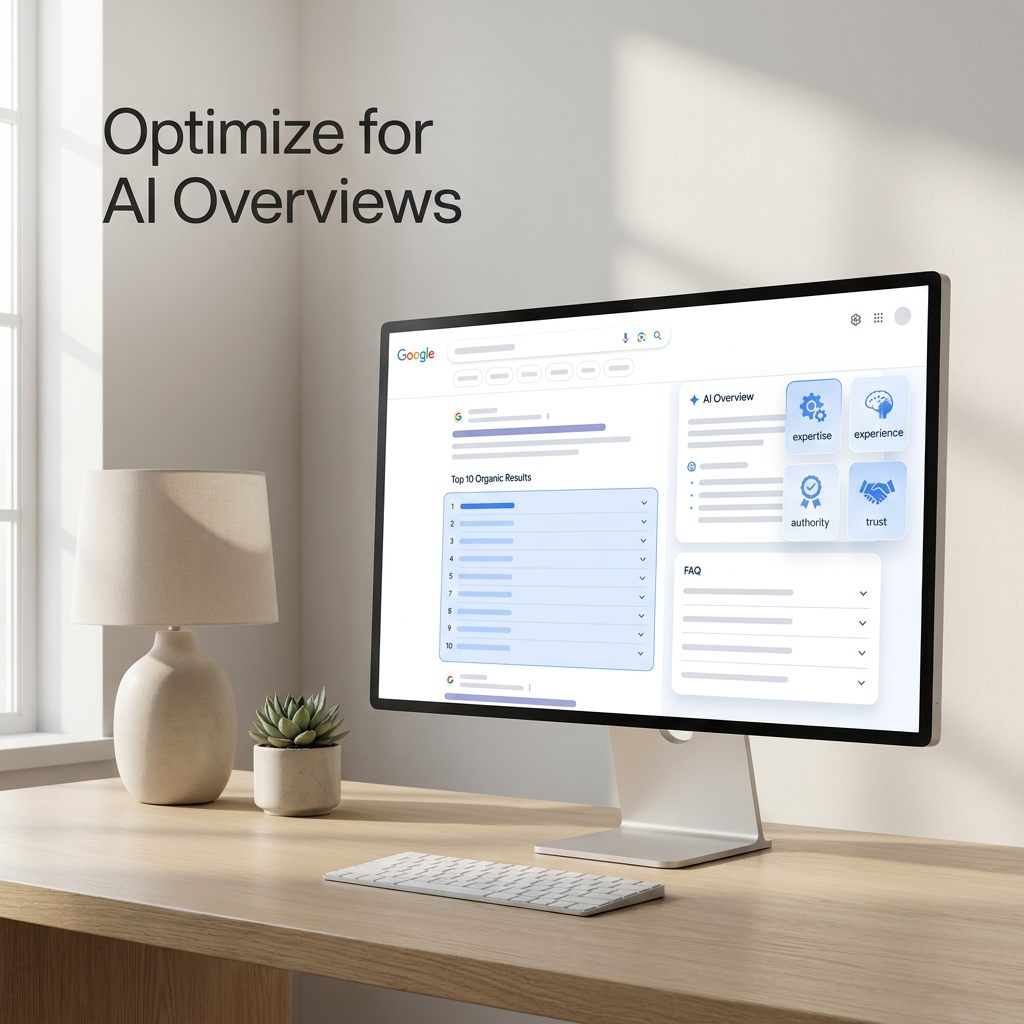
TL;DR: Google AI Overviews cite almost exclusively from pages that already rank in the top 10 organic results. So optimization starts with solid SEO, then layers on structured FAQ blocks, clear definitions, strong E‑E‑A‑T signals, and ongoing monitoring in Search Console.
To appear in an AI Overview, first secure a top‑10 organic position for your target query. Then format your content with FAQ blocks and defined‑term sections, reinforce your expertise signals, and track citation triggers using the Search Console AI Performance report. Ranking comes first; formatting and trust signals decide whether you get quoted.
How AI Overviews differ from ChatGPT and Perplexity
AI Overviews draw from Google’s index and ranking algorithms. Perplexity runs its own web crawl, and ChatGPT relies on a mix of pre‑trained data and optional browsing. Because Overviews sit on top of Google Search, the same ranking levers (backlinks, relevance, page speed) determine whether a page can be quoted.
Is top‑10 ranking required for AI Overview inclusion?
Yes. A 2023 analysis by Search Engine Journal found that 78% of AI Overview citations came from pages in the top 10 organic results. Google’s Optimizing for Generative AI Features guide reinforces this with a simple instruction: “Ensure we can access your content,” which ties directly to crawlability and organic ranking fundamentals.
Without a top‑10 spot, your odds of being cited drop sharply. So audit your target queries, identify the pages ranking 1 through 10, and apply the formatting and trust signals that improve citation odds.
Content structures that attract AI Overview citations
Google favors patterns that match featured‑snippet formatting. FAQ sections and defined‑term blocks provide concise question‑and‑answer pairs the model can quote directly. Google also advises publishers to “go beyond text.” Adding an image with descriptive alt text, such as a diagram of a SERP layout, gives the system richer signals to work with.
Long‑tail targeting helps too. Focusing on specific queries like “how does Google’s AI Overview select sources” rather than broad terms improves your chance of being chosen.
Here is a reformatted example for the query “what is a SERP.”
Defined term: A SERP (Search Engine Results Page) is the page a search engine displays after a user submits a query. It includes organic results, paid ads, and SERP features such as featured snippets, knowledge panels, and AI Overviews.
FAQ block:
- What are the main components of a SERP? Organic listings, paid search ads, local packs, knowledge panels, and AI‑generated summaries.
- How does a SERP change for different query types? Informational queries often trigger featured snippets and AI Overviews; transactional queries show more shopping results and ads.
Your structured data must mirror this visible content exactly. If it doesn’t match, Google may exclude the page from AI Overview eligibility.
E‑E‑A‑T’s role in AI Overview source selection
Because Overviews pull from already‑ranked pages, the same expertise, authority, and trust signals that drive organic rankings also influence citation decisions. Google’s quality raters assess content for first‑hand expertise and credibility, and their evaluations shape the signals that feed ranking algorithms, which in turn affect which pages can appear in an Overview.
Google’s ranking‑systems guide also references “Preferred sources,” noting that sites recognized as authoritative are more likely to be cited.
For a deeper comparison of how GEO signals differ from traditional SEO signals, see the GEO vs SEO: The Complete Guide.
Measuring AI Overview impact with Search Console
The AI Performance report in Search Console is the only free tool that shows which queries trigger Overviews for your pages. Many guides skip this step and leave optimization to guesswork.
Follow these steps:
- Filter the report to display only AI Overview appearances.
- Compare impressions and clicks before and after the Overview began appearing. Steady impressions with falling clicks often means the Overview is absorbing your traffic.
- Identify top‑10 ranked pages that aren’t yet cited, and prioritize them for formatting changes.
- Apply FAQ and defined‑term structures, and confirm your schema matches the visible content.
- Re‑run the report after re‑indexing to confirm the page now appears as a citation.
For a step‑by‑step tutorial, see Google Search Console AI Visibility: Find Opportunities.
Can you block your content from AI Overviews?
Google’s preview controls (nosnippet, data‑nosnippet, and max‑snippet) prevent a page from appearing as a snippet and also remove it from AI Overview eligibility. There is no selective opt‑out: blocking snippets blocks Overviews too.
Common mistakes when optimizing for AI Overviews
- Treating AI Overview optimization as separate from SEO. Ignoring core ranking factors keeps pages invisible to Overviews.
- Adding FAQ schema without matching visible content. Mismatched markup disqualifies a page.
- Assuming snippet blocking is selective. The same controls govern both snippets and Overviews.
- Prioritizing broad keyword coverage over specificity. Overviews favor deep answers to narrow questions.
- Skipping measurement. Without the AI Performance report, you can’t track citation impact.
Quick checklist: audit your top‑10 rankings, add matching FAQ schema, align structured data with visible text, use the Search Console AI report, and avoid snippet blocking unless you genuinely want to hide the content.
Key Takeaways
- AI Overviews cite almost exclusively from pages that rank in the top 10 organic results.
- FAQ blocks and defined‑term formatting increase citation odds by mirroring featured‑snippet patterns.
- Structured data must match visible content, or the page is excluded.
- Search Console’s AI Performance report is essential for finding citation opportunities.
- Snippet‑blocking directives also prevent AI Overview inclusion.
Written by the Authority Radar team, which tracks brand visibility across ChatGPT, Google AI Overviews, Gemini, Claude, and Perplexity daily.
FAQ
What’s the difference between featured snippets and AI Overviews?
Featured snippets extract a single block of text from one webpage. AI Overviews generate a summary that synthesizes information from multiple sources and appears above organic results. Both rely on top‑ranking content, but Overviews rephrase and combine material.
How do I know if my content is appearing in an AI Overview?
Use the AI Performance report in Google Search Console to see which queries cite your pages. For broader monitoring across AI engines, a platform like Authority Radar can track citations beyond Search Console.
Should I still focus on traditional SEO to appear in AI Overviews?
Absolutely. Since Overviews draw almost entirely from top‑10 organic results, strong SEO fundamentals (crawlability, backlinks, page speed, and high‑quality content) are the prerequisite for visibility.
Can I block Google from using my content in AI Overviews?
Yes, by applying nosnippet, data‑nosnippet, or max‑snippet directives. These prevent both snippet display and AI Overview citation.
What are Google’s official recommendations for AI Overviews?
Google’s Optimizing for Generative AI Features guide and its “Succeeding in AI Search” blog post advise keeping content accessible to Googlebot, using structured data that matches visible content, enriching pages with images or video, managing visibility with preview controls, and focusing on topics rather than isolated keywords.
Do AI Overviews use the same ranking factors as regular Google search results?
Yes. Core factors such as relevance, E‑E‑A‑T, and link authority determine which pages are eligible for citation. The Overview then selects and synthesizes content from those high‑ranking pages.