How to Track AI Bot Traffic to Your Website

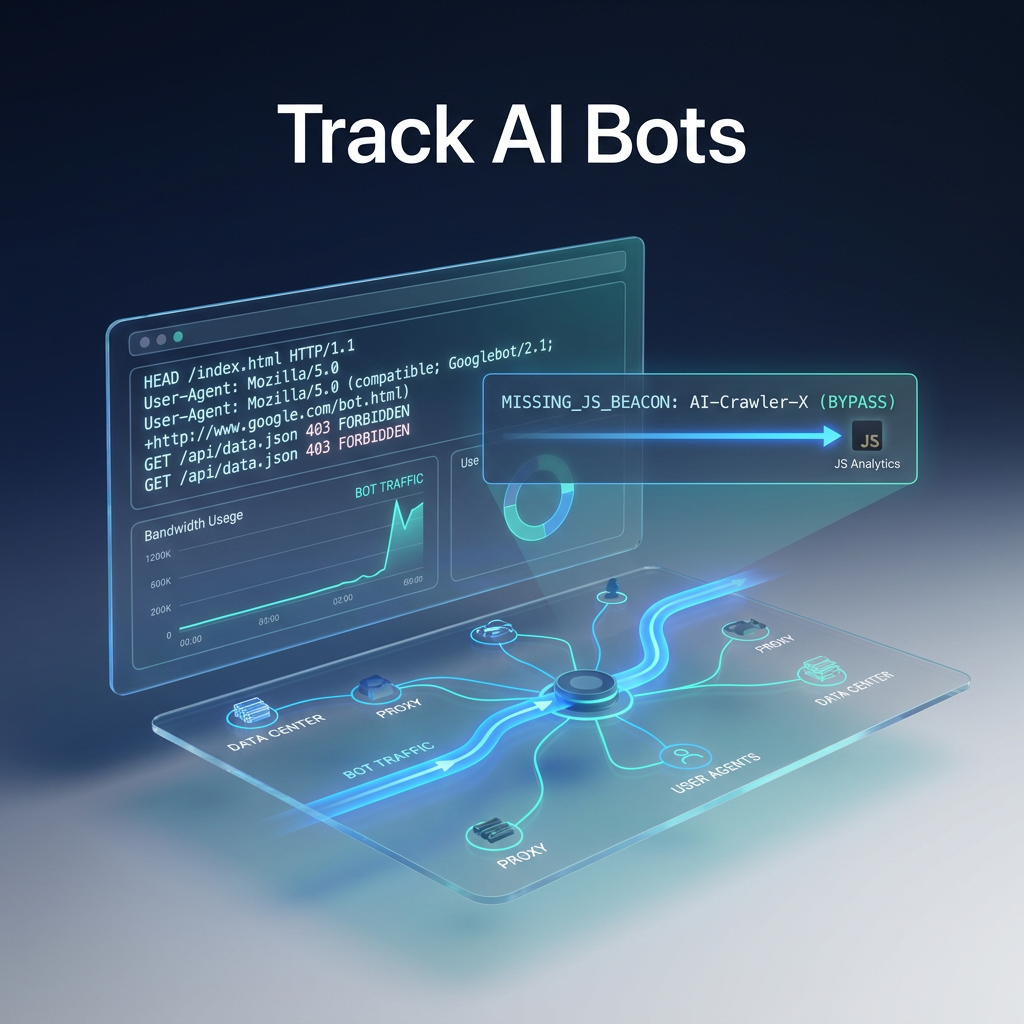
TL;DR: Match AI bot user-agent strings (GPTBot, ClaudeBot, PerplexityBot, OAI-SearchBot, Google-Extended) against your server logs or a log-analysis tool, then extract crawl frequency, pages fetched, and depth. Compare those logs with AI citation reports to fine-tune robots.txt, protect bandwidth, and improve AI visibility.
AI bots show up in server logs just like traditional crawlers, but they stay invisible to GA4 because they rarely run JavaScript. This guide shows how to spot them, measure their impact, and decide which bots to allow or block.
What Counts as AI Bot Traffic (Pretraining vs. On-Demand vs. Agentic)
Adobe Analytics splits AI bot traffic into three categories, and each one creates a different type of server hit.
| Category | Creates a Crawl Hit? | Typical Example |
|---|---|---|
| Pretraining crawls | Yes | GPTBot building OpenAI's training set |
| On-demand prompt responses | No | ChatGPT answering a user query |
| Agentic workflows | Yes | AI shopping assistant checking product pages |
A single pretraining hit can be reused across many on-demand responses, so hit count does not equal the number of citations you will see later.
How to Identify AI Crawlers by User-Agent String
Every AI crawler announces itself with a user-agent token. The table below lists the most common tokens and their purpose.
| Crawler | Owner | User-Agent Token | Purpose |
|---|---|---|---|
| GPTBot | OpenAI | GPTBot/1.0 | Training data collection |
| OAI-SearchBot | OpenAI | OAI-SearchBot/1.0 | Real-time retrieval for ChatGPT |
| ClaudeBot | Anthropic | ClaudeBot/1.0 | Training and retrieval for Claude |
| PerplexityBot | Perplexity | PerplexityBot/1.0 | Answer generation for Perplexity |
| Google-Extended | Google-Extended (robots.txt token only) | Opt-out control for Gemini and AI Overviews; not a separate crawler | |
| CCBot | Common Crawl | CCBot/2.0 | Web corpus used by multiple LLM trainers |
Check these strings against each platform's current documentation before you build filters. The tokens change without notice.
Verified vs. Unverified Bots
A user-agent string alone does not prove origin. Verified bots resolve to IP ranges or reverse-DNS domains owned by the platform (for example, openai.com or anthropic.com). Run a PTR lookup or compare the IP to the published range list to catch spoofed traffic that wastes bandwidth.
How to Track AI Bot Traffic in Server Logs
Server logs capture every request, including bots that never run JavaScript. Microsoft Clarity's AI Bot Activity feature reports "AI crawl request share," the proportion of total requests that come from verified AI bots.
For quick checks, a simple grep works:
grep "GPTBot" /var/log/nginx/access.log
For high-volume sites, use a log-analysis platform such as Botify or Cloudflare Radar. Once you isolate bot requests, extract four key metrics:
- Crawl frequency: visits per day or week.
- Pages crawled: unique URLs hit.
- Crawl depth: how many clicks from the homepage the bot reaches.
- High-value page coverage: whether cornerstone pages get fetched or the bot stays stuck on low-value tag pages.
These metrics also reveal cost impact. A site taking tens of thousands of GPTBot or ClaudeBot requests weekly can see a noticeable CDN bill increase when caching is poor, especially if large images or PDFs are served.
How to Track AI Bot Traffic in GA4 and Other Analytics Platforms
GA4 cannot see most AI bot visits because they never execute the JavaScript tag. Focus instead on referral traffic from AI answer platforms. In GA4's Traffic Acquisition report, look for referrers such as chatgpt.com, perplexity.ai, and claude.ai. Those visits are human clicks from AI answers, not crawler hits.
If your team prefers a dashboard over raw logs, Microsoft Clarity (free) surfaces verified bot traffic, Cloudflare Radar (free with Cloudflare) shows volume and frequency, and Similarweb or SE Ranking provide domain-level AI traffic estimates.
Google-Extended is a robots.txt token that controls whether your pages can appear in AI Overviews. It does not generate a visit-level hit, so traffic from AI Overviews shows up as referral or direct traffic in GA4.
Which Tools Actually Show You AI Crawler Data
| Tool | Best For | Cost (USD) | Limitation |
|---|---|---|---|
| Cloudflare Radar | Sites already on Cloudflare needing volume and frequency data | Free | No citation correlation; limited per-bot granularity |
| Botify | Large sites with dedicated SEO and dev resources | From $1,200 / month (enterprise) | Overkill for small teams; requires log access |
| Microsoft Clarity | Teams without log access needing a free starting point | Free | AI Bot Activity limited to verified bots only |
| Similarweb | Domain-level AI traffic estimates in an accessible dashboard | From $199 / month | Estimates, not exact counts; less granular per bot |
| SE Ranking | SEO agencies needing quick AI traffic snapshots | From $39 / month | Estimates only; limited bot-specific detail |
| Scrunch | Tracking bot traffic from ChatGPT, Perplexity, Gemini, Claude, Google AI Mode, and Google AI Overviews | From $49 / month | Focuses on bot identification; does not replace full analytics |
Scrunch suits teams that want a dedicated AI citation tracker without the overhead of full log analysis, while Authority Radar goes deeper on citation-to-crawl correlation.
How to Tell If AI Crawl Activity Is Actually Turning Into Citations
Compare the URLs each bot crawled against your AI citation data. Overlap means a bot's visit is translating into a brand mention. Gaps flag pages that get crawled but never cited.
Pages with high crawl frequency but no citations often suffer from thin content or poor schema. Pages cited without recent crawls suggest the model is using cached data, so updating those pages can trigger a fresh fetch and improve citation freshness.
Keep this in mind: a page can be crawled weekly and never appear in an AI answer, while a page crawled once six months ago may be cited repeatedly if it answers a frequent query.
How to Configure robots.txt to Control AI Crawler Access
Use robots.txt to allow or block bots based on the data you collected. Here are two examples.
Block a bot entirely:
User-agent: GPTBot
Disallow: /
User-agent: ClaudeBot
Disallow: /
User-agent: PerplexityBot
Disallow: /
Allow core content while blocking low-value sections:
User-agent: GPTBot
Allow: /blog/
Allow: /guides/
Disallow: /members/
Disallow: /tag/
Disallow: /search/
User-agent: ClaudeBot
Allow: /blog/
Allow: /guides/
Disallow: /members/
Disallow: /tag/
Robots.txt is a request, and well-behaved bots respect it. Spoofed bots that ignore it need to be blocked at the firewall or through Cloudflare's WAF.
Key Takeaways
- AI crawlers bypass JavaScript, so GA4 misses most crawl activity. Use server logs or a server-side tool.
- Verify each user-agent string against the platform's current documentation and IP ranges before filtering.
- Crawl frequency and citation frequency are distinct. Compare both to find gaps.
- Robots.txt works for compliant bots; use server-level blocks for spoofed traffic.
- Pretraining, on-demand, and agentic workflows generate hits differently, and on-demand prompts rarely create a crawl hit.
Frequently Asked Questions
How do I track AI bot traffic in GA4?
GA4 does not capture bot hits because they skip JavaScript. Use the Traffic Acquisition report to find referral visits from chatgpt.com, perplexity.ai, and claude.ai, then pair it with a server-side tool such as Microsoft Clarity or Cloudflare Radar for actual crawl data.
What's the difference between pretraining and on-demand AI traffic?
Pretraining crawls generate server hits as bots build training datasets. On-demand queries do not crawl your site at request time; only user clicks on AI-generated links create hits.
Does AI bot traffic cost me money?
Yes. High volumes of GPTBot or ClaudeBot requests increase CDN and origin server load, especially when uncompressed assets are served. Estimate the cost by multiplying request volume by average response size.
What tools can I use to see AI bot activity?
Cloudflare Radar (free with Cloudflare) shows volume and frequency. Microsoft Clarity (free) offers the "AI crawl request share" metric. Botify provides enterprise-grade log analysis. Similarweb and SE Ranking give domain-level estimates. Scrunch focuses on bot traffic from major AI answer platforms.
How do I track traffic from AI Overviews specifically?
AI Overviews traffic appears as referral or direct traffic in GA4, not as a distinct crawler hit. Monitor GA4 for google.com referrals with AI-related query parameters, or use a dedicated AI citation tracker.
How do I know if a bot claiming to be GPTBot is actually verified?
Run a reverse DNS (PTR) lookup on the IP address. If it resolves to a domain owned by OpenAI, the bot is verified. You can also match the IP against OpenAI's published IP range list.
Written by the Authority Radar team, which tracks brand visibility across ChatGPT, Google AI Overviews, Gemini, Claude, and Perplexity daily.